Bolt.new is genuinely fast. You open a browser, type a prompt, and minutes later you have a live URL with a working project. No installs, no setup, no waiting. For getting something in front of a client or testing an idea, it is hard to beat.
But speed to launch is not the same as ready for business. A Bolt.new project is code running in a browser environment — not a website that a business owner can manage, update, or hand off to someone. And that gap becomes very obvious, very fast.
If you landed here, you are probably feeling it already. Let me break down exactly why so many business owners decide to convert Bolt.new to WordPress, and what actually changes when they do.
What Is Bolt.new, and Why Do People Use It?
Bolt.new is an AI-powered development environment built by StackBlitz. It runs entirely in your browser — no local setup, no terminal, no dependencies to install. You describe what you want, and Bolt generates a working project using React, Vue, Svelte, or other modern frameworks.
It is popular because it removes all friction from getting started. For developers, it is a great prototyping tool. For non-technical founders, it feels like magic. Common use cases include:
- Building a prototype to validate a business idea
- Creating a demo to show investors or clients
- Getting something live fast while the real project is planned
The problem is what happens next. That prototype becomes the website. And the website was never built to be managed.
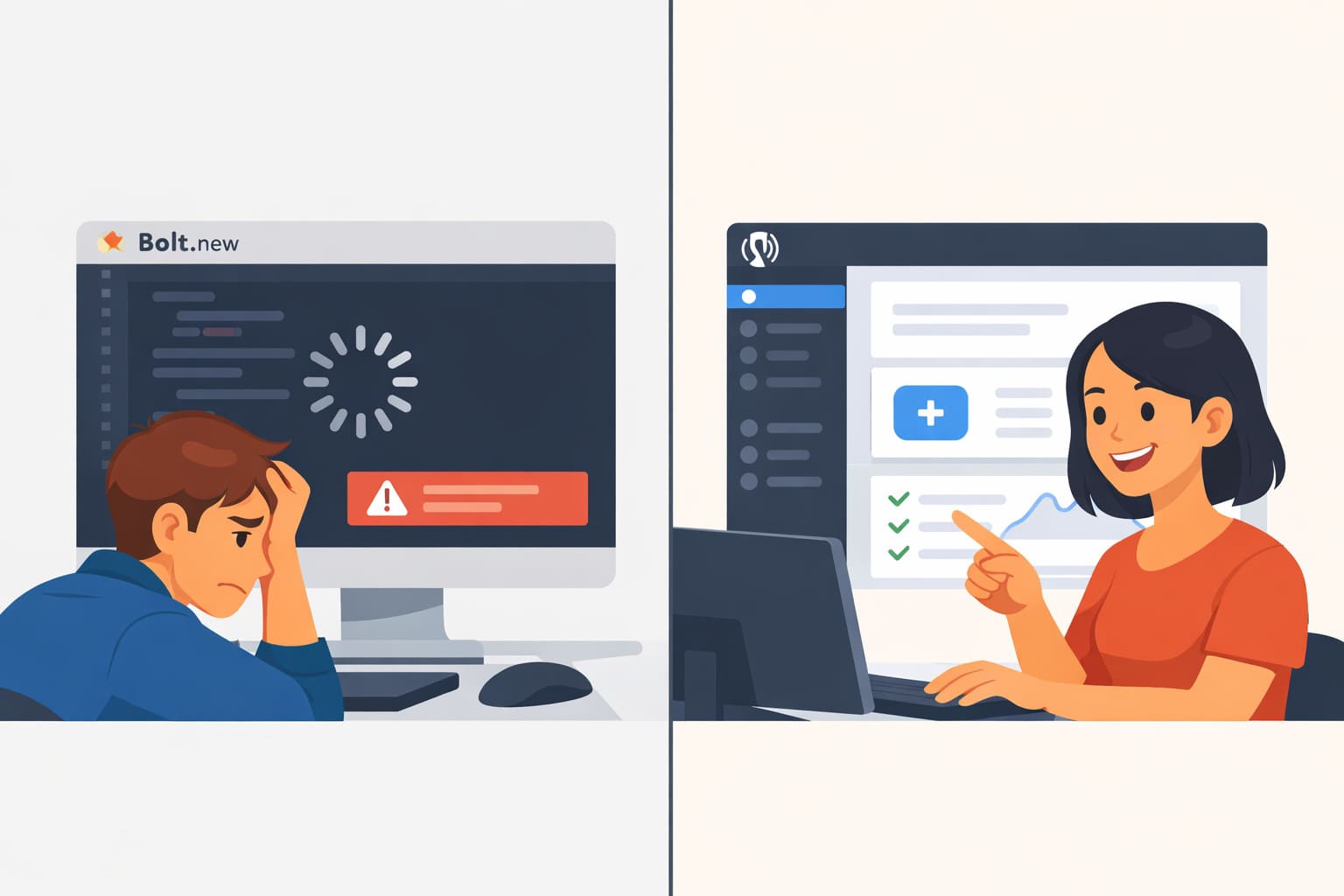
5 Reasons to Convert Bolt.new to WordPress
1. There Is No Way to Edit Content Without Code
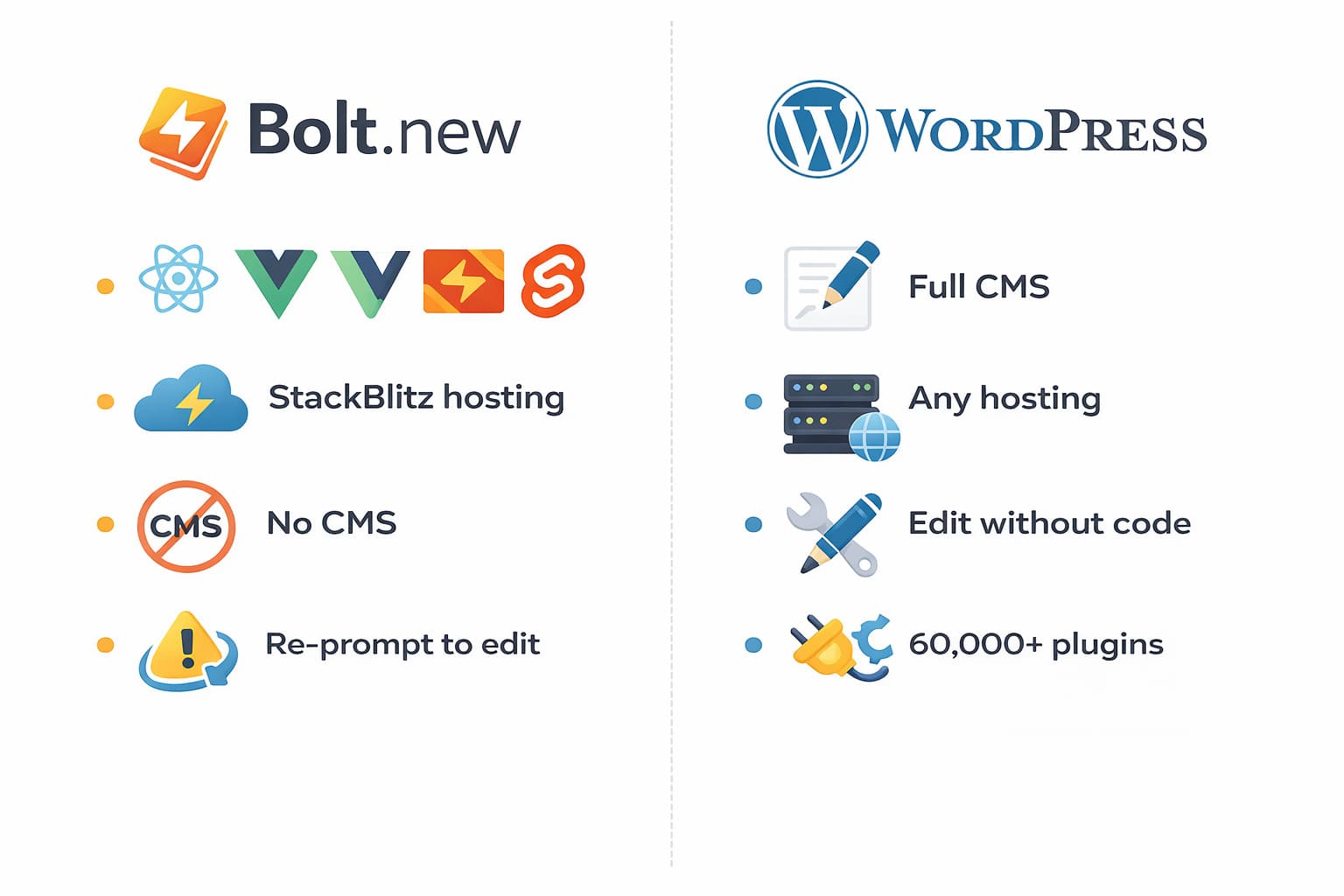
Bolt.new generates code. That is the product — a working codebase, not a content management system. There is no admin panel, no visual editor, no “update this page” button.
Want to change a price, fix a typo, or add a new service to your homepage? You are back in Bolt, prompting the AI again, and hoping the output does not break something else. For a business that needs to keep its website current, this is a real problem.
WordPress was built specifically so that business owners can manage their own content. You log in, click edit, make the change, hit save. No code, no AI prompt, no developer needed.
If updating your website takes longer than updating your Instagram, something is wrong.
2. Handing It Off to a Client Is a Dead End
This is the one that catches freelancers and agencies off guard the most.
You built something great in Bolt.new. The client loves it. Now they want to manage it themselves. And you realize there is no clean way to hand it over. No CMS they can log into, no familiar dashboard, no simple editor. Just a codebase they cannot touch and a platform they do not understand.
WordPress solves this completely. Every site I deliver comes with a short handoff session — the client logs in, I show them how to edit pages, add content, and manage the basics. They walk away owning their website, not depending on you forever.
3. Your Site Lives on Someone Else’s Infrastructure
Bolt.new projects run on StackBlitz servers. Your deployment, your hosting, and your project environment are all tied to their platform and their pricing.
If StackBlitz changes plans, limits features, or shuts down — your website has a problem. That is not hypothetical. It is the reality of building on any proprietary platform.
WordPress is open source and runs on any hosting provider in the world. You own the files, the database, and the domain. Nobody can take that away. When I migrate a Bolt.new project to WordPress, the first thing I set up is full ownership — your site, your server, your decision.
4. SEO Is an Uphill Battle With JavaScript-Heavy Sites
Bolt.new outputs JavaScript-based applications. For a lot of use cases, that is fine. For a business website that needs to rank on Google, it creates real problems.
Common SEO issues I see on Bolt.new sites:
- JavaScript-rendered content that Google is slow or inconsistent in indexing
- No easy per-page control over title tags and meta descriptions
- Missing or broken heading structure (H1, H2)
- No sitemap, no schema markup, no SEO plugin support
WordPress combined with RankMath gives you full control over every SEO detail on every page — without writing a single line of code. For a business that wants to be found on Google, this is not optional.
5. It Was Built for Speed, Not for Growth
Bolt.new is excellent at what it does: getting something working, fast. But fast to build and built for the long run are two very different things.
What happens when you want to:
- Add a blog to drive organic traffic
- Launch a WooCommerce shop
- Set up a booking system or appointment calendar
- Connect your CRM or email marketing platform
Bolt.new was not designed for any of this. WordPress has over 60,000 plugins and a global ecosystem of developers. Whatever your business needs next, there is a solution that does not require rebuilding from scratch.
What You Actually Get After the Migration
When I convert a Bolt.new site to WordPress, here is what changes:
- Real content management — edit anything yourself without touching code
- Proper SEO setup — page titles, meta descriptions, sitemap, schema markup
- Full ownership — your site runs on your hosting, not StackBlitz servers
- Clean client handoff — your client can log in and manage the site on their own
- Room to grow — add features, pages, and integrations without rebuilding
The design stays. The limitations go away.
When Should You Actually Make the Move?
Not everyone needs to migrate right now. Here is my honest take.
You should convert Bolt.new to WordPress if:
- You are updating content regularly and it takes too long
- You want to show up on Google and get organic traffic
- You have a client who needs to manage the site themselves
- You are planning to add a shop, blog, or more complex features
- You want to stop relying on StackBlitz infrastructure
You can wait if:
- Your site is a short-term prototype for one pitch
- You are still validating the business idea
- You have not decided on final content or brand direction yet
How Long Does a Bolt.new to WordPress Migration Take?
Depends on the complexity of your project.
- Simple landing page: 1 to 4 days
- Multi-page business website: 1 to 3 weeks
- Site with a shop or custom features: 3 to 4 weeks
I always review the Bolt.new project before giving you a timeline. No guessing, no surprises. You get an exact scope and deadline before any work starts.
Ready to Make the Switch?
If this article felt like it was describing your exact situation, that is not a coincidence. I have helped a lot of business owners go from “stuck on a prototype” to “finally in control of my website.”
The process is simple. Tell me about your project, we have a 30-minute call, and I give you a clear plan with a timeline and pricing.
Learn more about my Bolt.new to WordPress migration service or get in touch directly and we will figure out the best solution for your situation.
Also using a different AI tool? Check out my Lovable to WordPress and Base44 to WordPress migration services too.
FAQ
Is WordPress better than Bolt.new for business websites?
Yes, for long-term use. WordPress gives you full content control, better SEO, platform independence, and a huge plugin ecosystem. Bolt.new is great for prototyping fast, but it is not designed to be your permanent business website.
How much does it cost to convert Bolt.new to WordPress?
It depends on the size and complexity of your project. Simple landing pages start from $500. Multi-page sites start from $1,500. You get a detailed quote after a free 30-minute call.
Will my design change after migration?
No, the goal is to keep your existing design. In some cases we improve it during the rebuild, but only if you want that. Content and structure stay intact.
Can I edit my WordPress site myself after migration?
Yes, that is one of the main reasons to migrate. All sites are built with Elementor or Bricks Builder so you can make content changes without touching any code.
